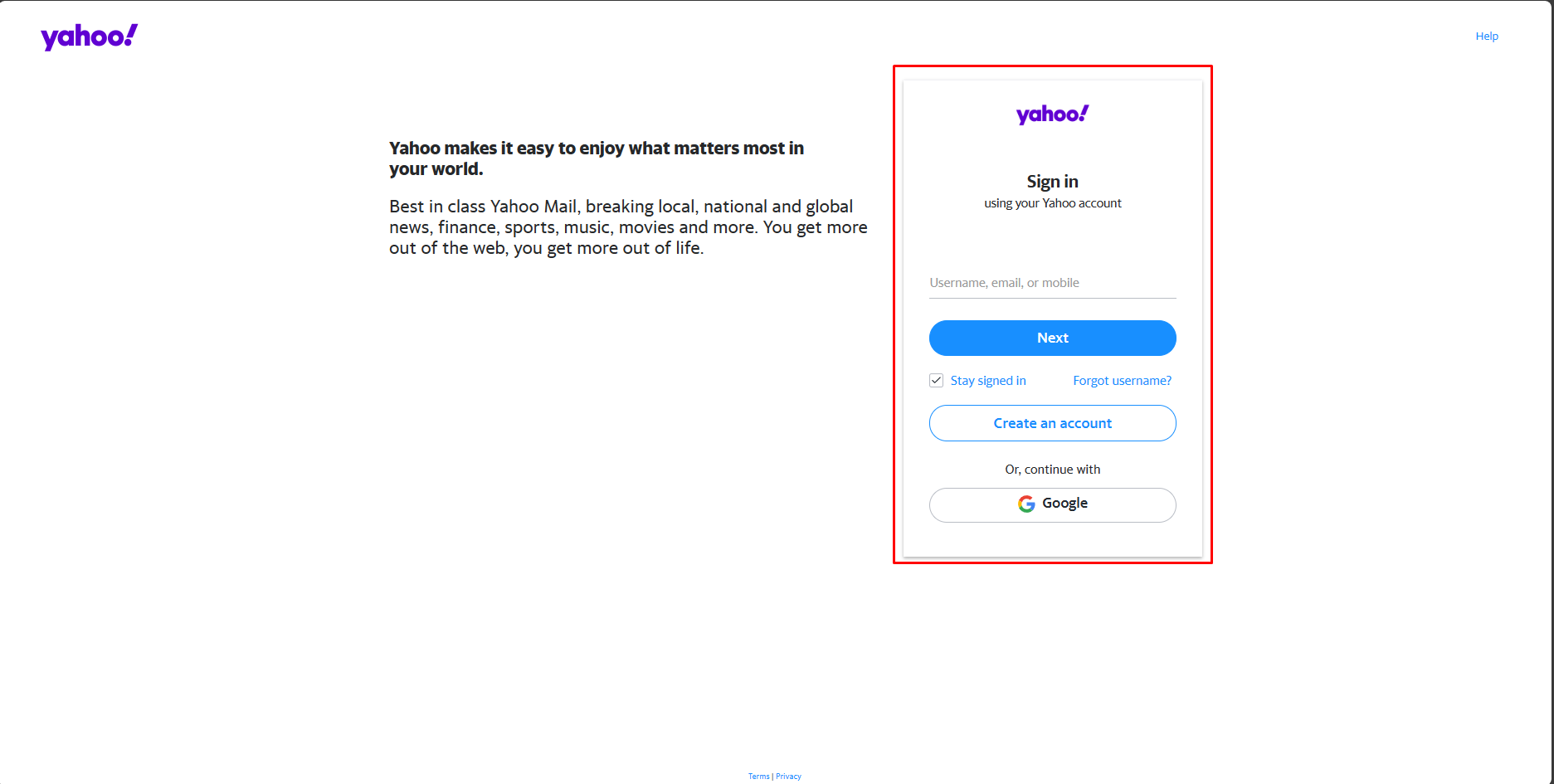
1. You can login here to go to the security page directly: Click here
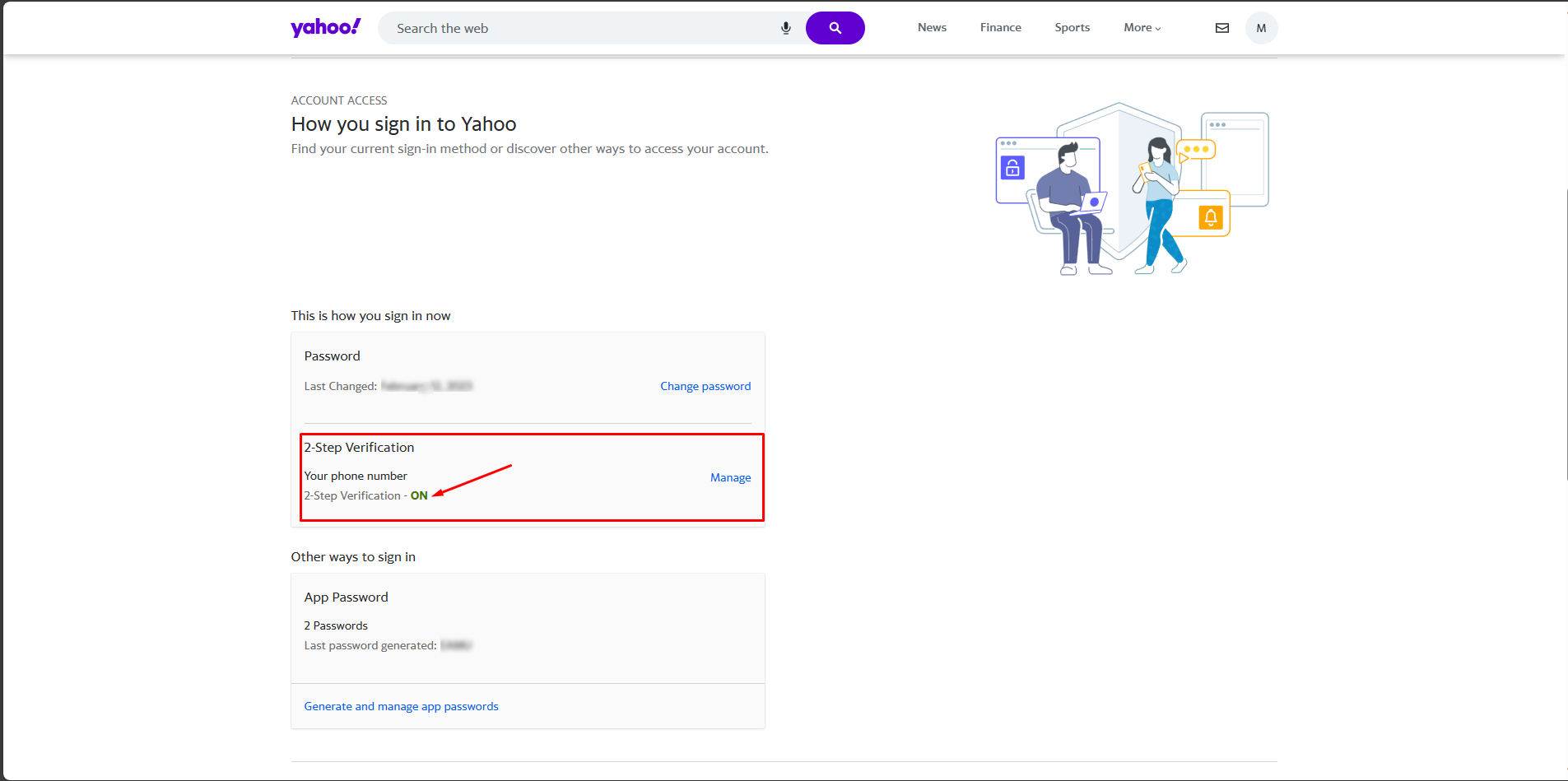
2. After logging in, check if the 2FA is enabled or not. The 2FA must be enabled in order to generate an app password.
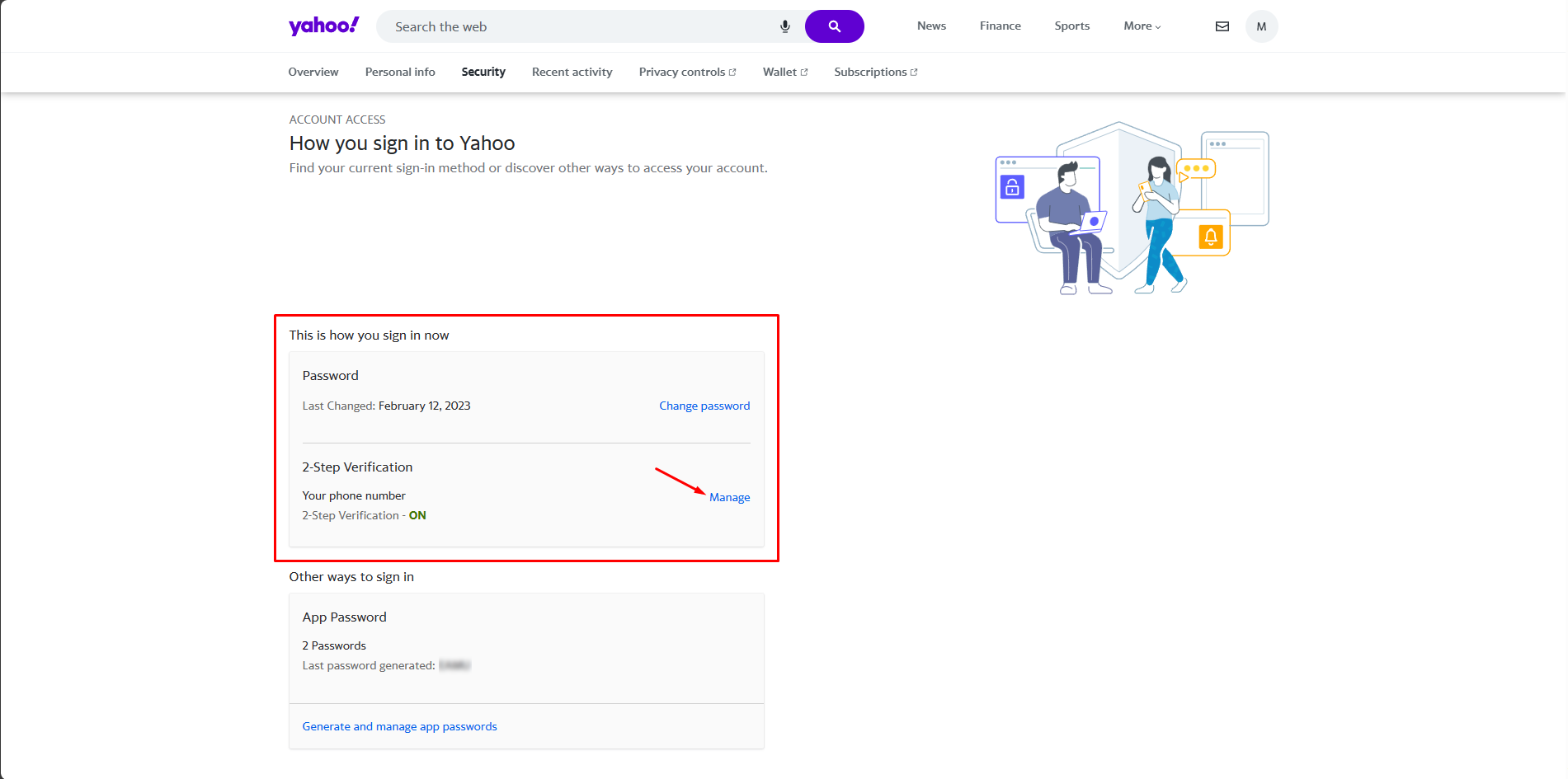
3. If it’s already enabled, you can proceed with the generation of an app password. If not, you need to enable the 2FA first.
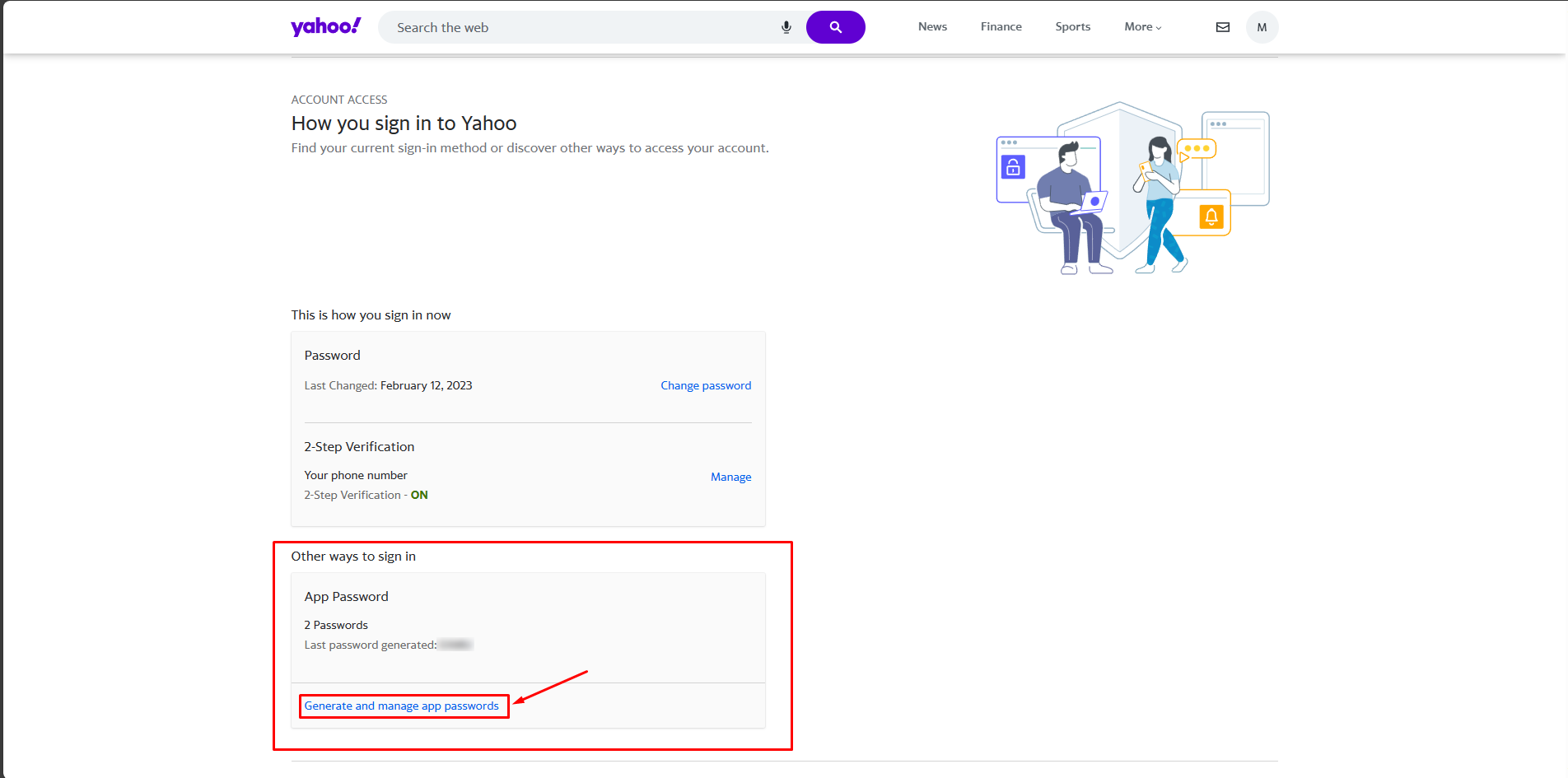
4. Once enabled, you can proceed with the app password.
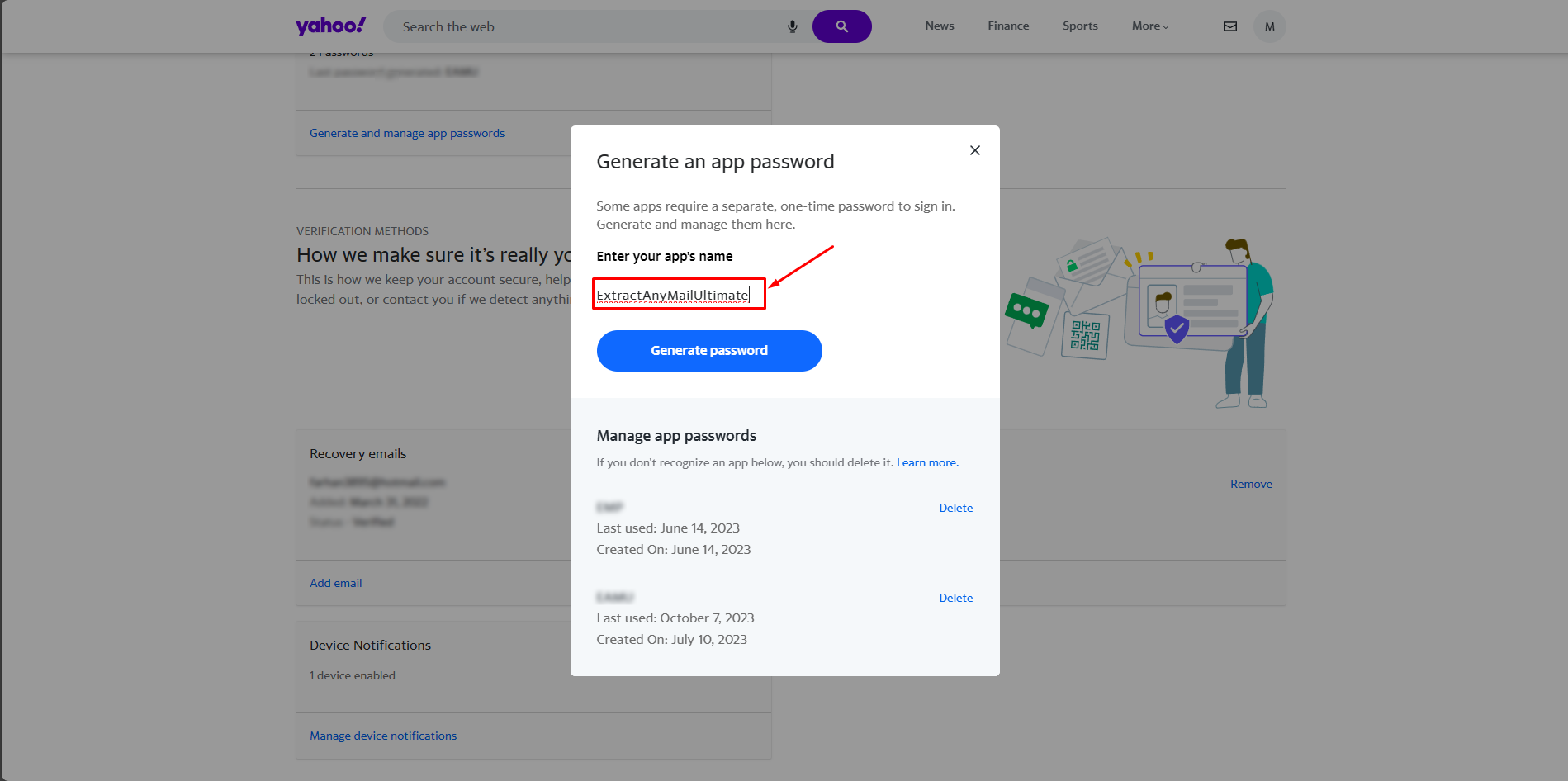
5. You need to enter a name for the app password for remembering where you are using it.
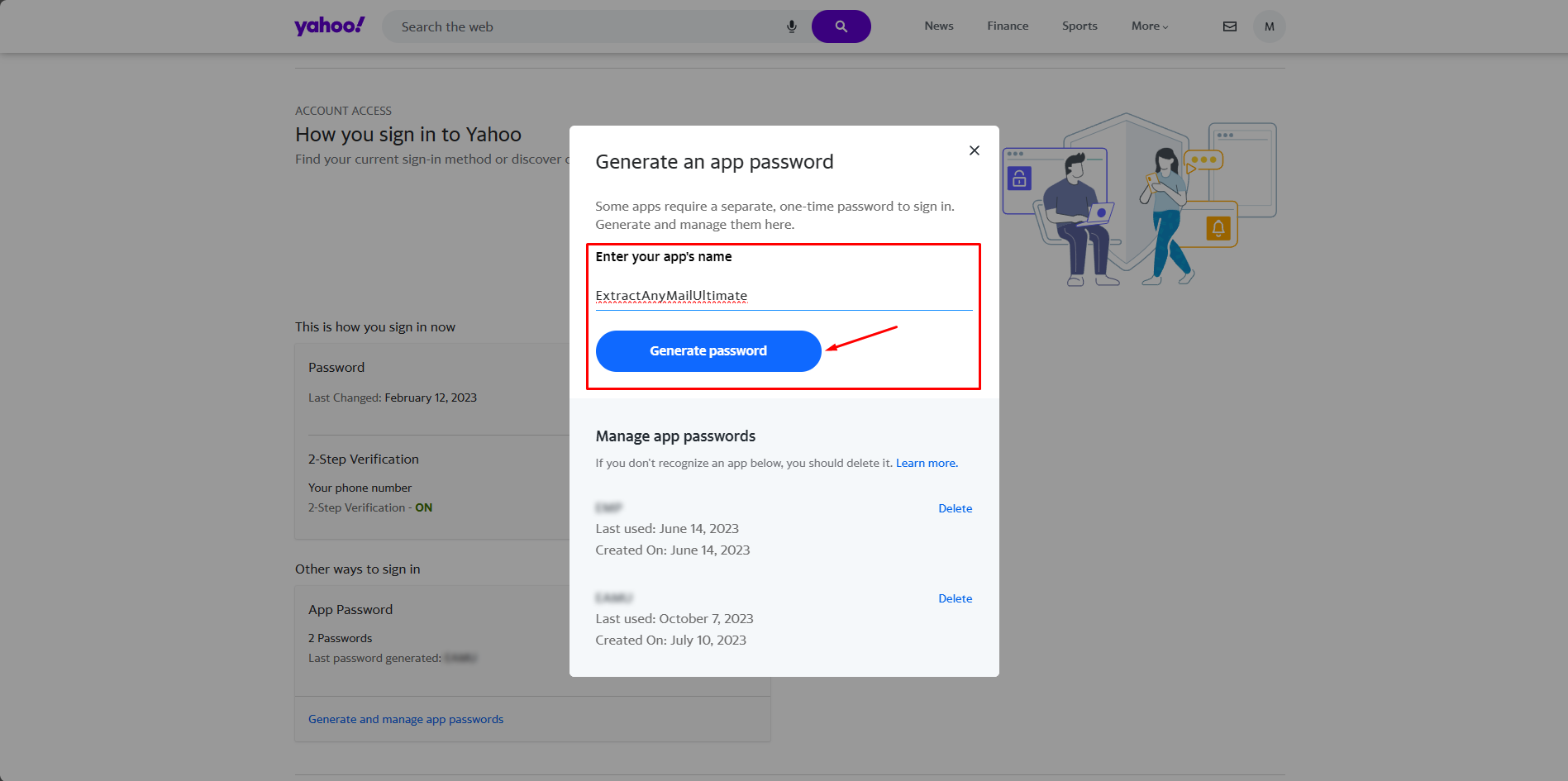
6. Now, click on the Generate password option to generate the password.
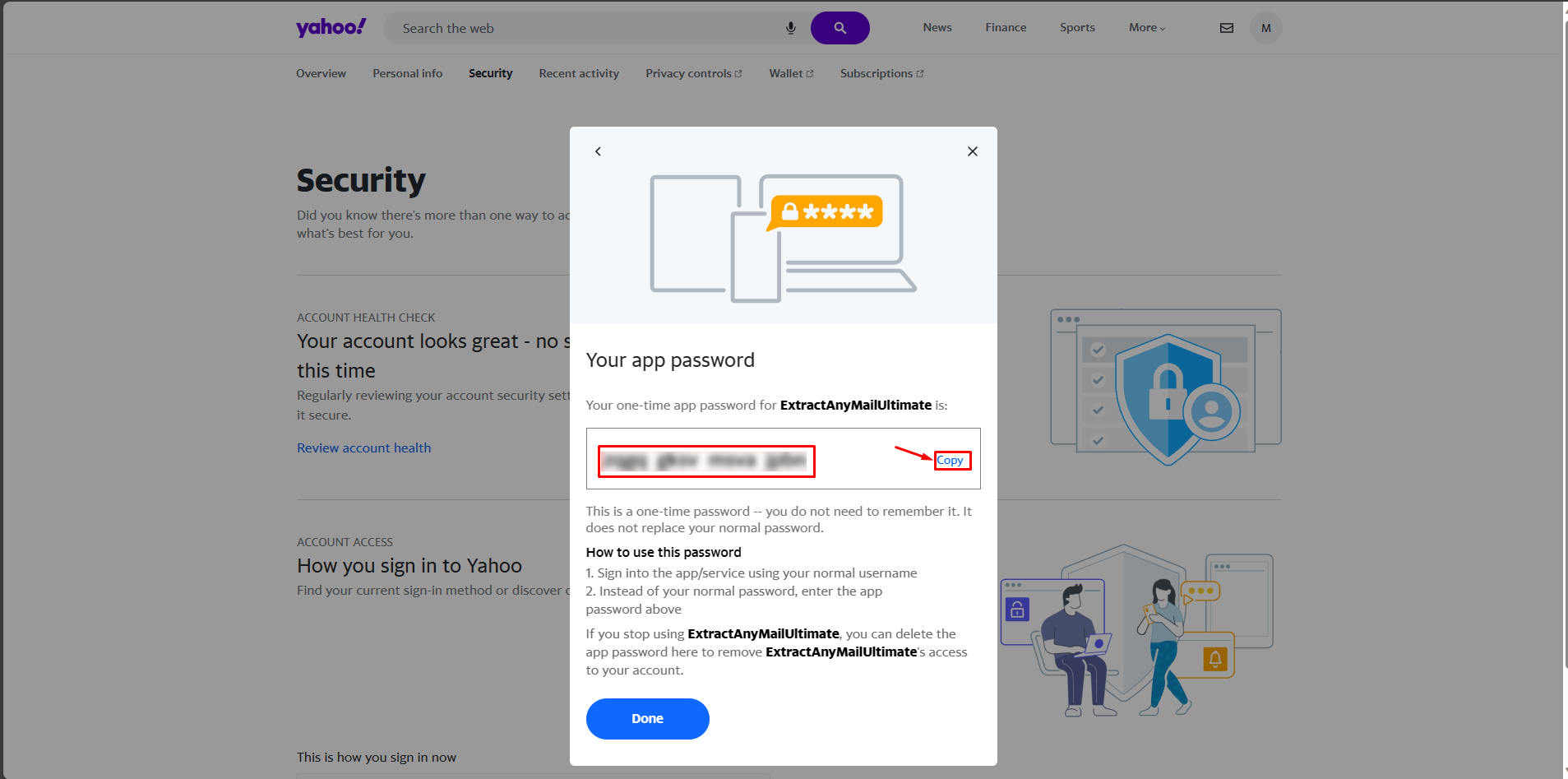
7. It will generate the app password that you will be needing to access the account from the 3rd part apps. In this case, it is the Extract Any Mail Ultimate. Copy the password and store it as it will not show up again.
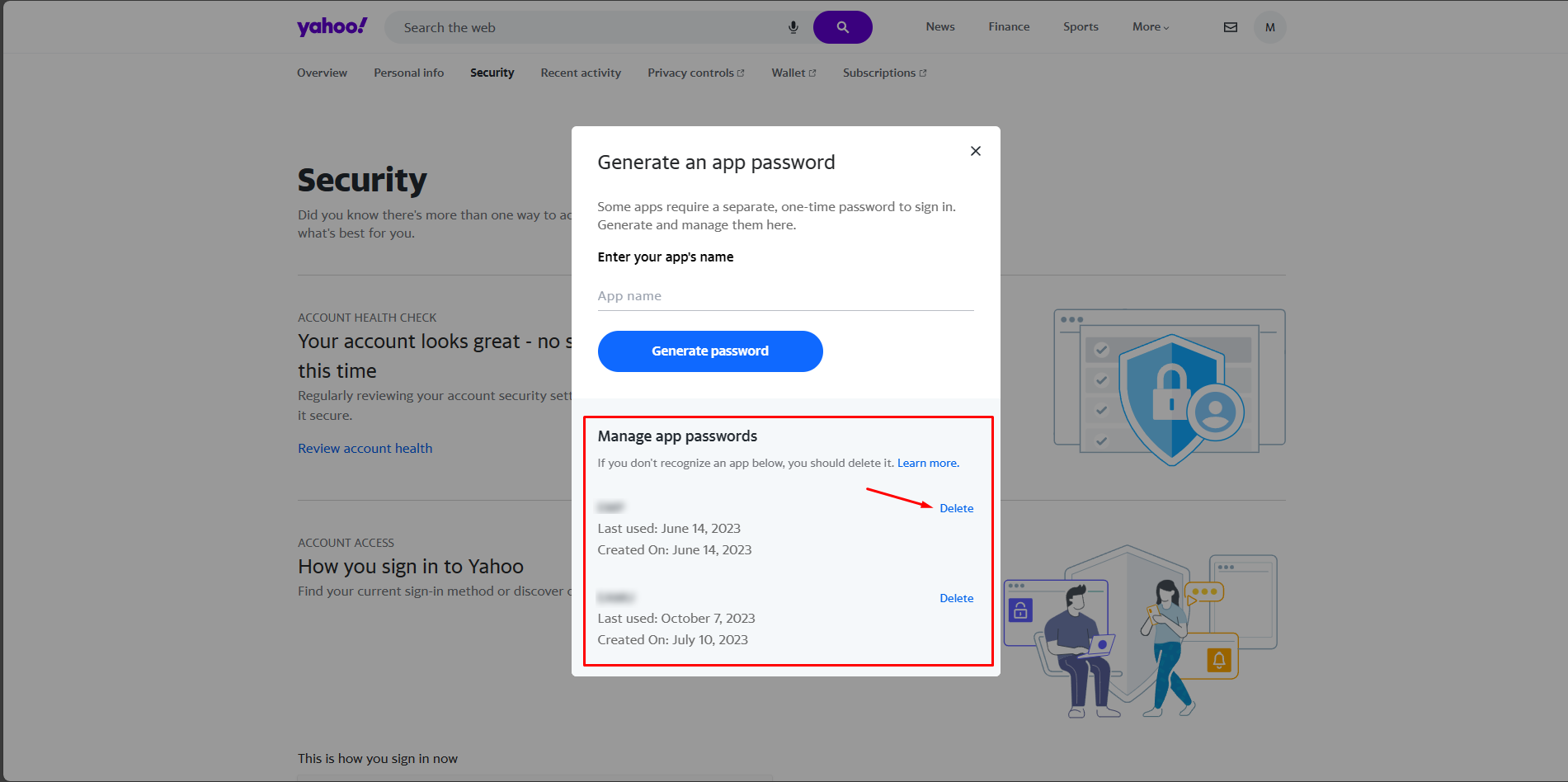
8. You can delete the generated app password after you are done using it.
9. Now, go to the Extract Any Mail Ultimate software and enter the generated app password instead of the main password.
If you are still having any issues or confusion, please feel free to knock un on Live Chat from our website: https://validemailcollector.com/
Skype: https://join.skype.com/invite/GE5rdBSXKnEx
Email Address: support@validemailcollector.com
Keep exploring
Related Posts
Registering an App in Azure Portal to Obtain Client ID for OAuth with Microsoft 365 – Email Extraction with Extract Any Mail Ultimate
What is OAuth 2.0?OAuth 2.0 is an industry-standard authorization framework that enables third-party applications to gain limited access to user resources without exposing user credentials. It works by issuing access tokens to applications, allowing them to interact with APIs on...
Read article →
Registering an App in Google Cloud Console for Gmail OAuth: Client ID Setup for Email Extraction with Extract Any Mail Ultimate
OAuth for Gmail or Google WorkspaceTo use “Extract Any Mail Ultimate” with your Google account and extract email addresses, the software requires a Client ID and Client Secret to authenticate with Google’s APIs (Gmail API in this case). These credentials are part of Google’s OAut...
Read article →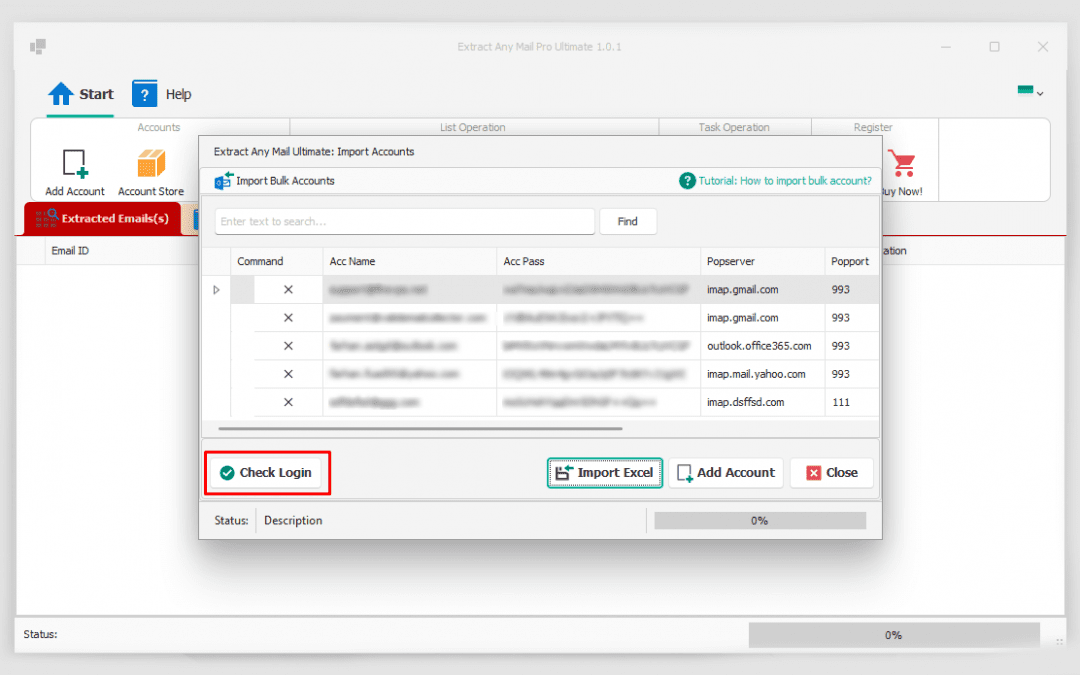
How to import bulk emails.
The Extract Any Mail Ultimate is the latest and the UPGRADED version of the popular Extract Any Mail Pro software from Valid Email Collector. It has many NEW features and all known issues/bugs were fixed in this version. One of the NEW features is the Bulk Import, which is used f...
Read article →