I was using my Remote Desktop fine. Suddenly after 8th May, 2018 it is not connecting showing a strange error message.
Here goes the screenshot:
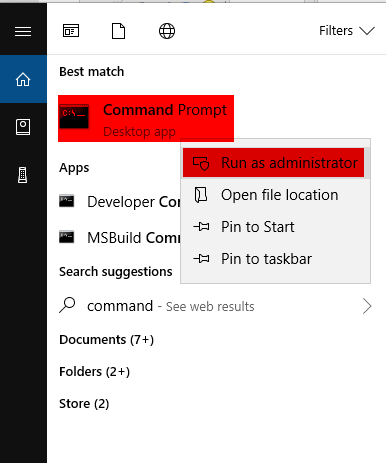
This happened due to the May, 8 security update to the OS from Microsoft. If you update your remote desktop server as well then the issue will be solved.
Here goes another solution:
1. Right-click the Windows Start button then click Run.
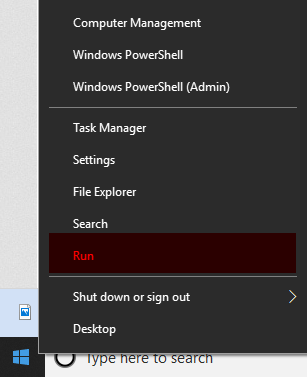
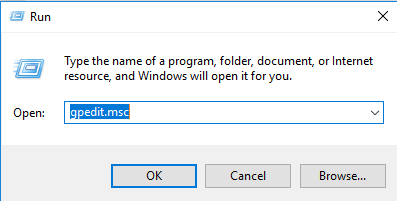
2. In Run window type gpedit.msc and press OK to run Local Group Policy Editor.
3. Go to Computer Configuration > Administrative Templates > System > Credentials Delegation > Encryption Oracle Remediation.
4. Double Click Encryption Oracle Remediation to edit its value. Change it to Enable and in Protection level, change back to Vulnerable.
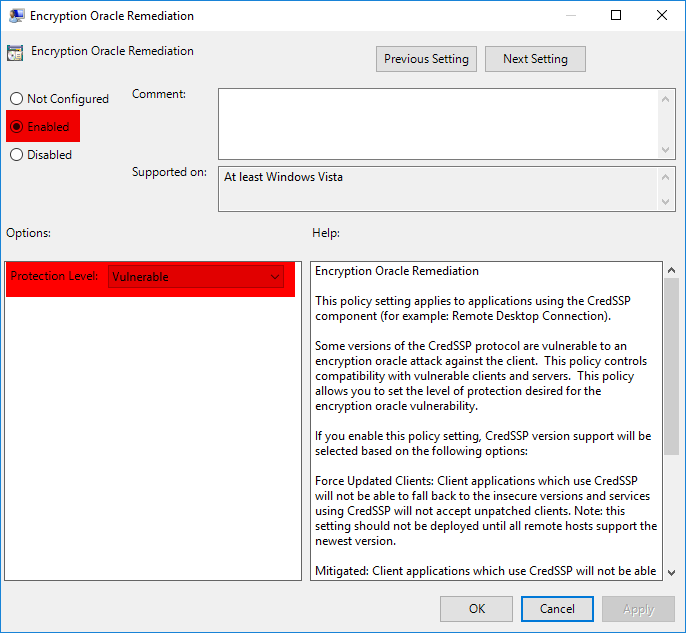
That’s it. Hope you enjoy it.
If you are still having any issues or confusion, please feel free to knock un on Live Chat from our website: https://validemailcollector.com/
Skype: https://join.skype.com/invite/GE5rdBSXKnEx
Email Address: support@validemailcollector.com
Keep exploring
Related Posts
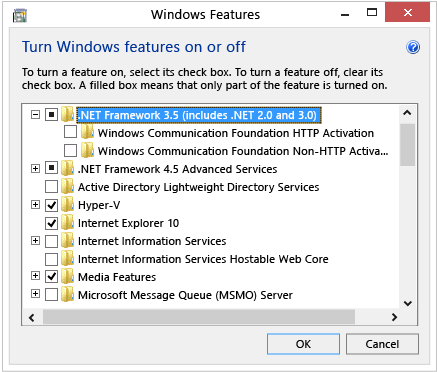
Enable the .NET Framework 3.5 on Windows 10, Windows 8.1, and Windows 8
You can enable the .NET Framework 3.5 through the Windows Control Panel. This option requires an Internet connection.Press the Windows key Windows on your keyboard, type “Windows Features”, and press Enter. The Turn Windows features on or off dialog box appears.Select the .NET Fr...
Read article →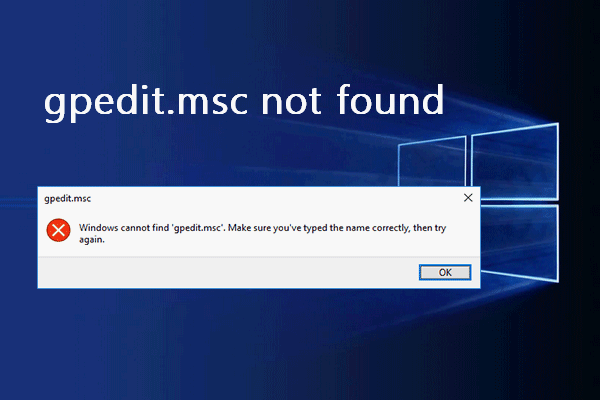
I can not find gpedit.msc in my computer
After a recent windows update, you can not open Remote Desktop. Getting authentication error, This could be due to CredSSP Oracle Remidiation error. To solve the issue we published a solution here: Click here.However to solve the issue you have to access gpedit.msc file. But in M...
Read article →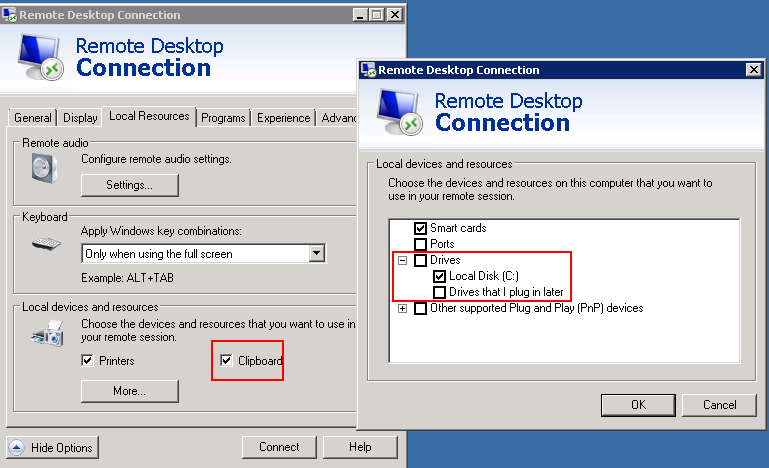
How to solve copy paste not working issue in Remote Desktop?
Solution 01:If copying and pasting from a remote computer don’t work, clipboard redirection might be disabled. To fix this, disconnect your Remote Desktop session, and then do this:Open Remote Desktop Connection by clicking the Start button Picture of the Start button, clicking A...
Read article →